· 2-minute read
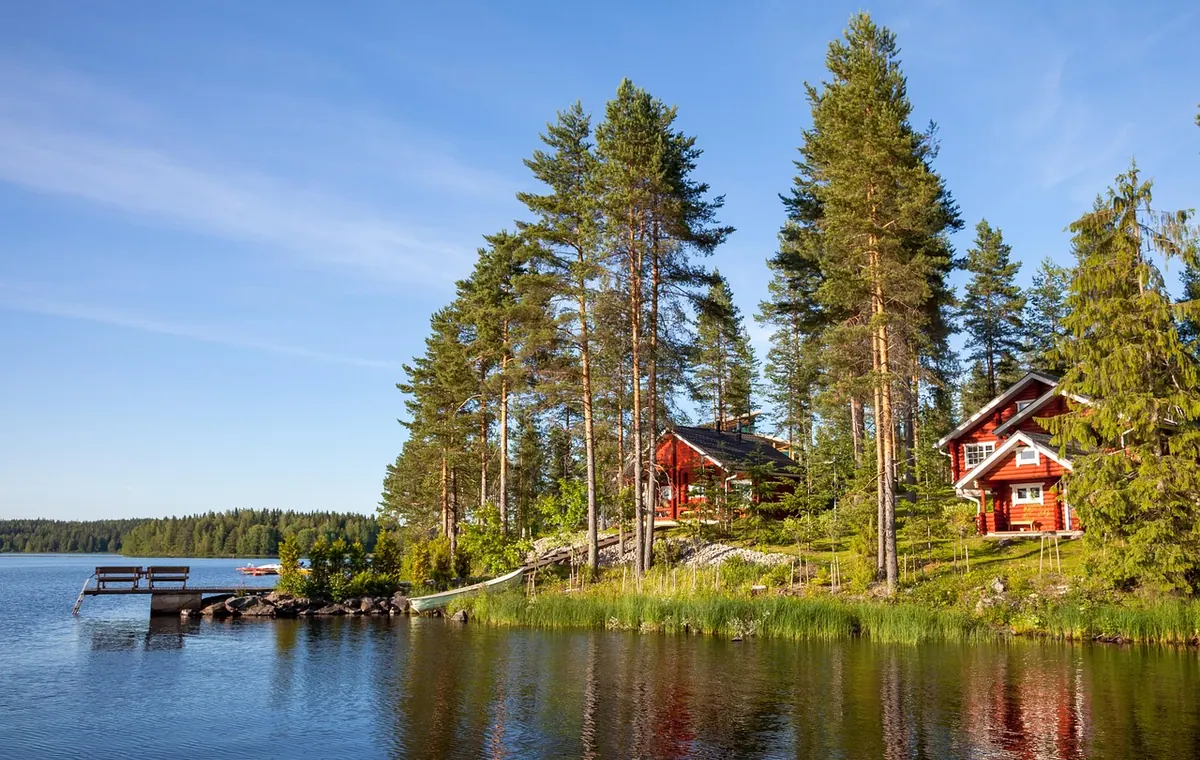
TV at the summer cottage
Watching Nordic TV at the cottage, cabin or holiday home: 4G and 5G routers, how much data a weekend uses, and the setup that works far from fibre.
Buffering almost never happens during the news. It happens at kick-off. Here is why, and what to fix first.
Live sport is the hardest test for any home network: fast motion, high bitrates and everyone watching at once. Fix things in this order: put the TV on a cable, check the device can decode the stream, adjust the app's buffer, then test whether your broadband slows down in the evening.
A football or hockey picture changes completely many times a second, so the stream needs more data than a studio programme. At the same moment, your neighbours are streaming too, and your broadband provider's network is at its busiest.
That is why a setup that seems fine on a Tuesday afternoon can stutter on a Saturday evening. The cure is to remove the weak links one by one.
Wi-Fi is shared, affected by walls and by every other network nearby. A network cable from the router to the TV or stick removes most of that in one go. Fire TV Sticks need a small Ethernet adapter; most Android TV boxes have a port built in.
If the picture stutters during sport but not during the news, and your connection tests fine, the device is the bottleneck. Budget boxes and older sticks struggle to decode 50 frames per second in high quality. Switching from 4K to HD often settles it at once.
A larger buffer means fewer pauses but a slightly longer delay behind the broadcast.
| Picture | Lowest | Steady | Data per hour | Typical use |
|---|---|---|---|---|
| SD 576p | 3 Mbit/s | 4+ Mbit/s | about 1 GB | Phone on 4G |
| HD 720p | 5 Mbit/s | 10+ Mbit/s | about 2 GB | Tablet or small TV |
| Full HD 1080p | 10 Mbit/s | 16+ Mbit/s | about 3 GB | Living-room TV |
| 4K UHD | 25 Mbit/s | 35+ Mbit/s | about 8 GB | 4K TV on fibre or cable |
Only if speed is the problem. A cable and a capable device fix more cases than a faster subscription.
Rarely. It adds a detour, and often makes things slower. Our service does not need one.
Watching Nordic TV at the cottage, cabin or holiday home: 4G and 5G routers, how much data a weekend uses, and the setup that works far from fibre.
IPTV data use per hour in SD, HD, Full HD and 4K, what a month of evening TV adds up to, and how to stay inside a mobile data allowance.
Every channel on one screen for two days, on the device and connection you really use. The trial ends by itself and never renews.
Order buttons open our live chat. You choose a plan and pay there, and your login arrives in the same chat 5–15 minutes later. Refund policy